
Your property work, brought together.
Market listings, find relevant matches and present properties professionally.
Less repeat sharing. Less searching.
A clearer client experience.
Bring scattered property work into one connected flow.
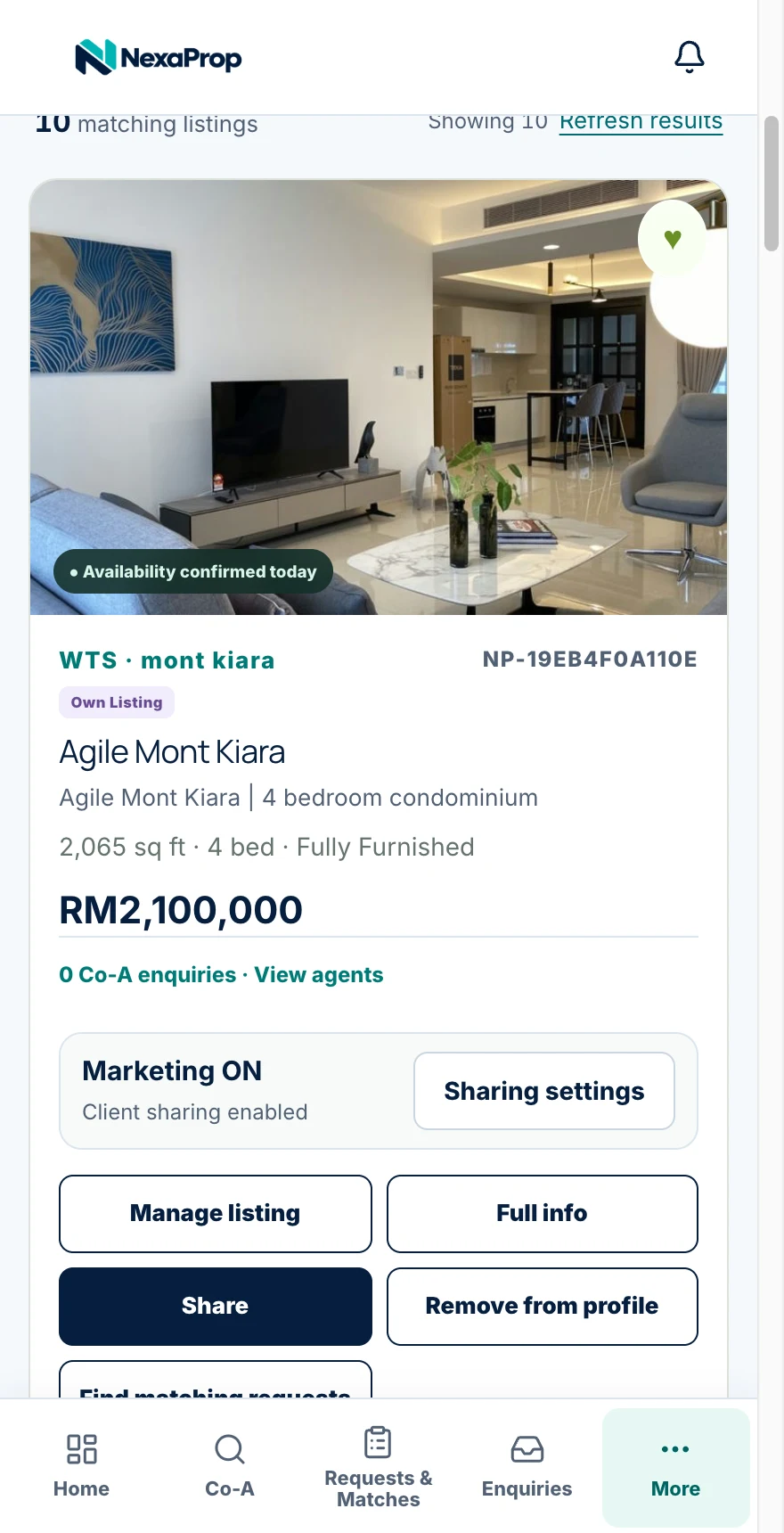
Your listings.
Marketing ON.
Make listings available to your Co-A network, share them with clients and put them on your profile.
Try the switch to see the flow.
- Co-A Networks
- Share to Client
- Push to Profile
- MarketplaceComing soon
Keep your listings organised.
Listing management
Manage your listings and add Co-A listings. Control sharing, download PDFs and send property links to clients.
Let your profile do the introduction.
Professional Profile
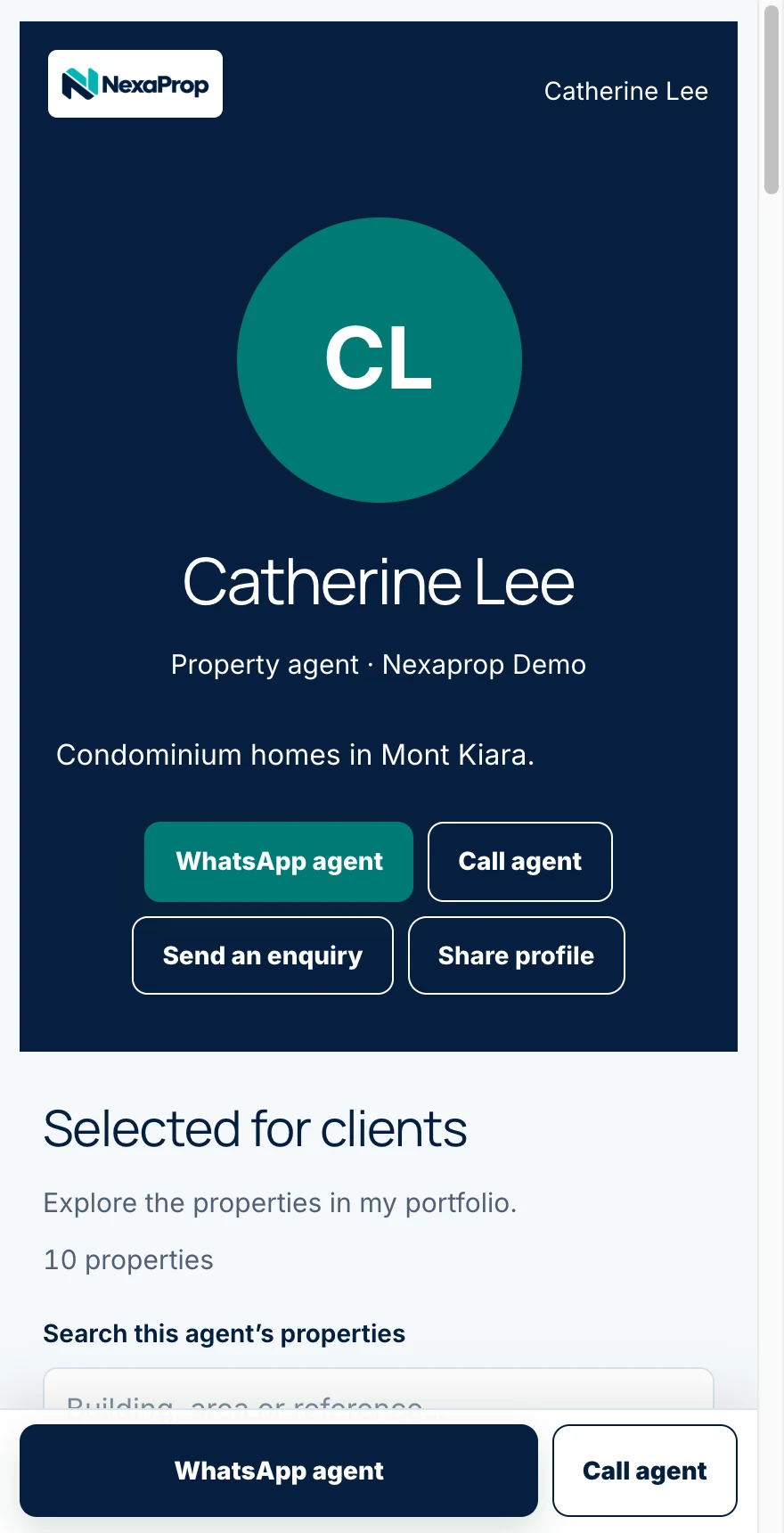
Show your professional profile and available listings.
Make it easy for clients to contact you and share your profile.
From requests to relevant matches.
Smart Matching
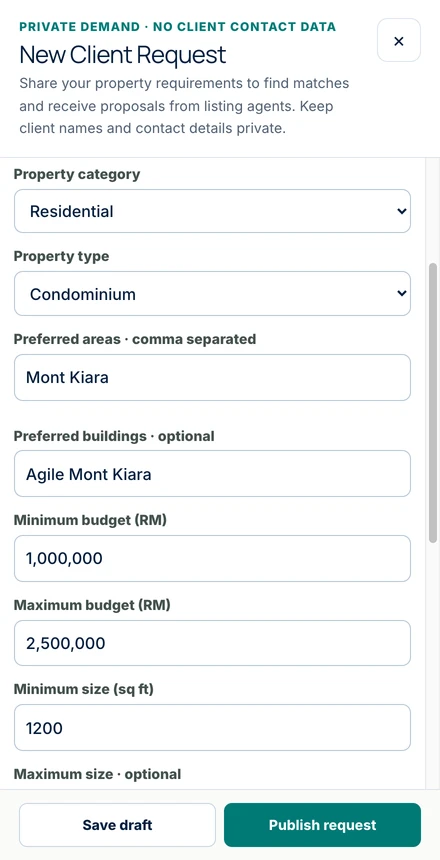
Request submitted.
10 properties matched.
Shortlist them and schedule viewings with co-agents.
3 requests match your listing.
Propose your unit to the co-agent who submitted the request.
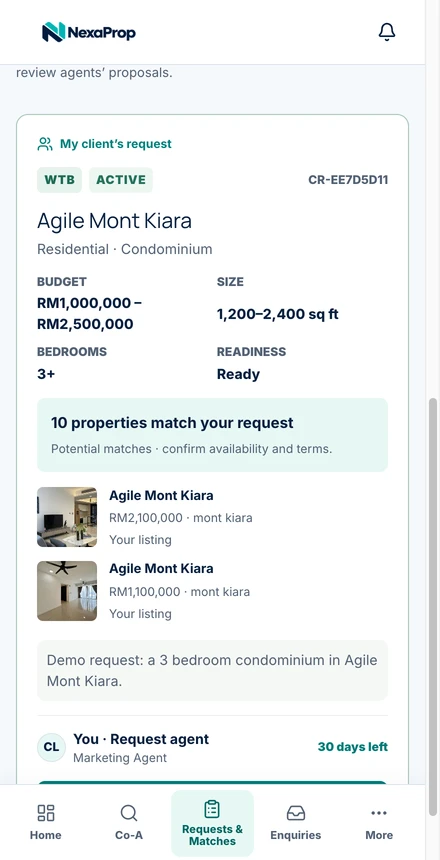
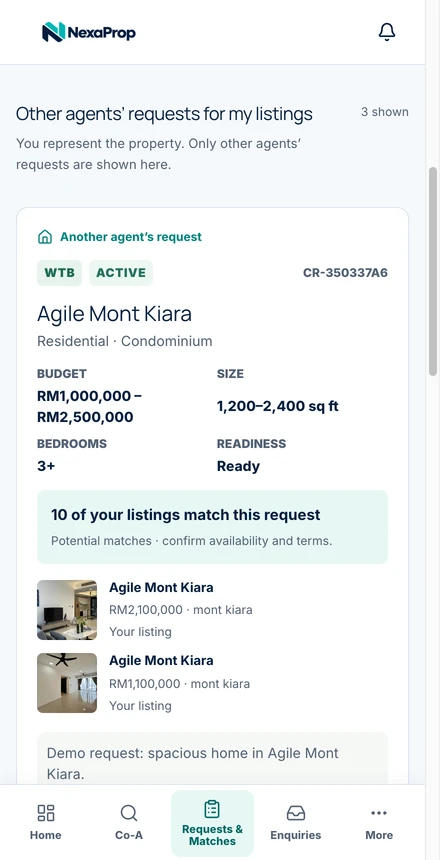
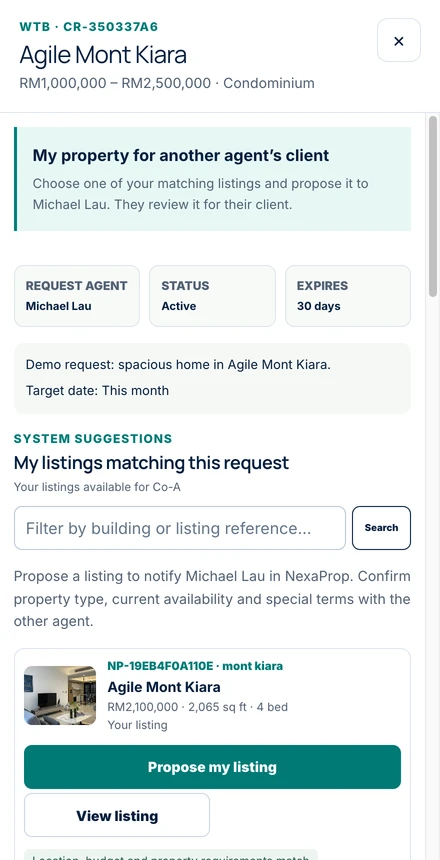
Example counts; actual matches vary.
A considered selection for every client.
Curated Collections
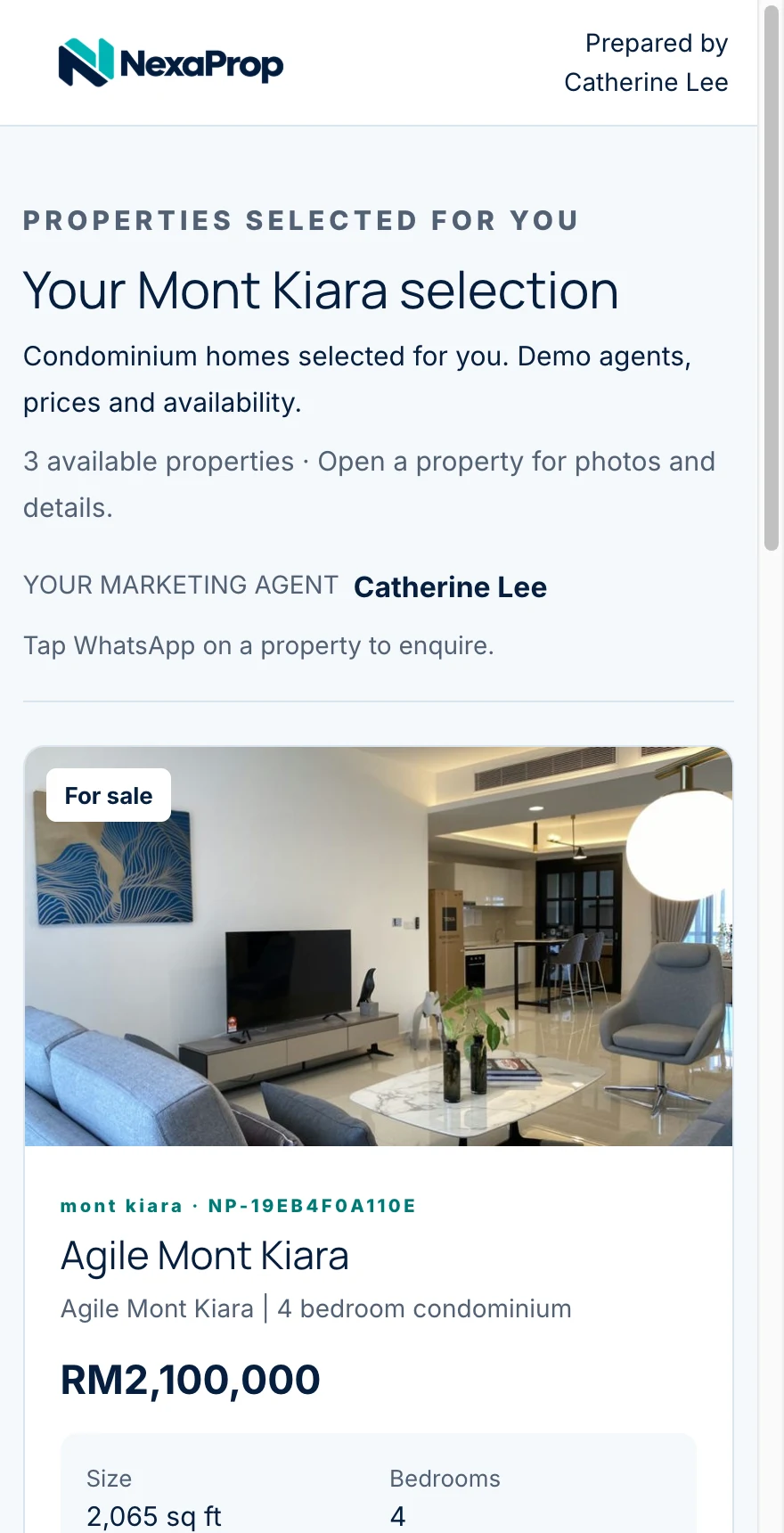
Bring selected listings together in an organised collection, so clients can explore the options you’ve chosen for them.
Request an Agent Pro demo.
Explore marketing, profiles, matching and collections in a Nexaprop Agent Pro demo.
How we use your details
We store your name, email address, optional area and consent to respond to your demo enquiry. Read our privacy policy. For access, correction or deletion requests, contact support@nexaprop.com.
A few useful
answers.
Who is Agent Pro for?
Malaysian property agents who want one place to market listings, find relevant matches and present properties professionally.
What happens when Marketing is ON?
Your listings become available to Co-A networks, client sharing and your profile. Marketplace is coming soon. The animation on this page is an illustration, not a live listing control.
Will every match suit my client?
Smart Matching helps you find relevant possibilities. Review each match against your client’s requirements before recommending it.
How do Collections help clients?
Thoughtfully grouped property options give clients a more organised way to explore your selection.
What happens after I request a demo?
Your details are saved for a demo follow-up. Submitting the form does not book a session or create an account.
Bring your property work together.
See Nexaprop Agent Pro in action.