
Your selection.
Ready for your client.
Present selected properties in one collection link. Prepare a single-property PDF when your client needs a proposal they can keep.
Free access through 3 March 2027.
Email setup and administrator approval required.
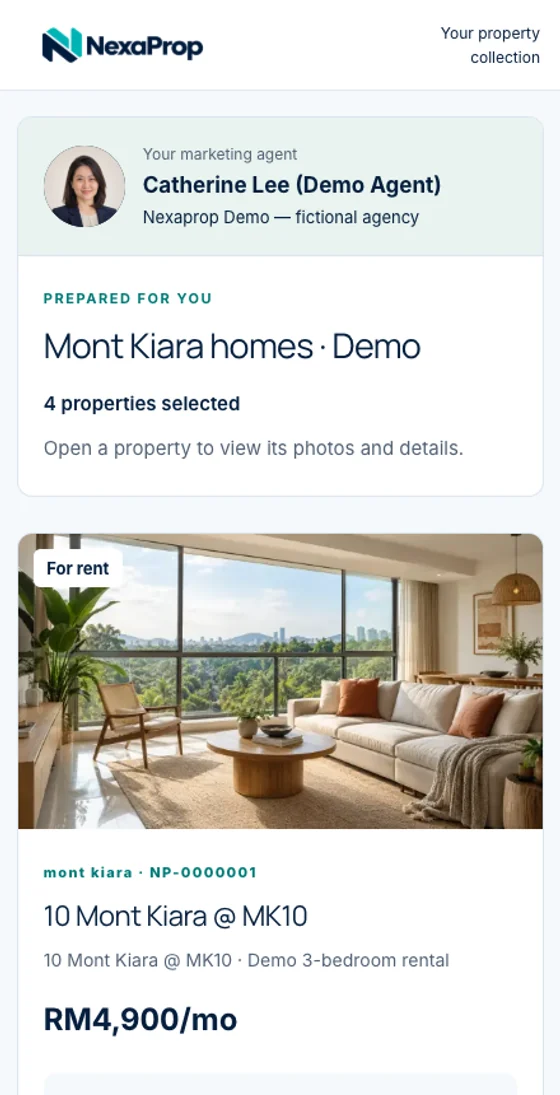
No account is needed to inspect these examples. They show the format, not available properties.
The brief first.
The presentation next.
Start with a property you are authorised to use and the requirements your client has agreed.
Keep private client and owner information in your authorised records, away from shared descriptions and images.
Use the requirements checklistAgree the brief
Confirm buy or rent, location, budget and the property essentials.
Check the listing
Verify current price, availability and permission to use the photos.
Build the collection
Choose client or co-agent presentation and add eligible properties.
Preview the recipient view
Check photos, prices and agent details. Open client links signed out before sending.
Prepare a PDF if needed
Download an individual property proposal and inspect the finished file.
Your properties.
Your introduction.
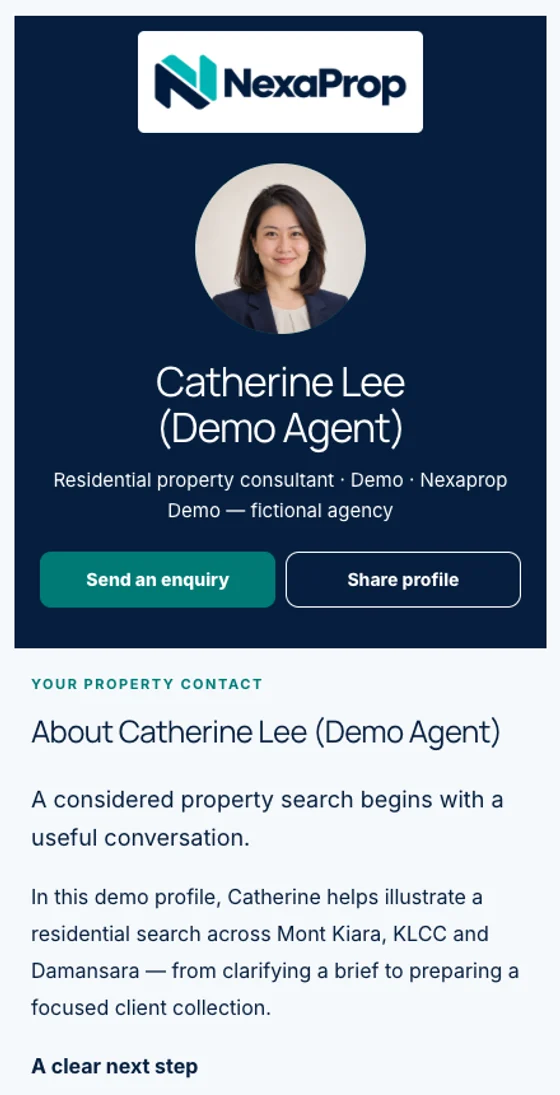
Let clients see the agent behind their property selection.
Your profile introduces you, your company and the listings you choose to share. A collection brings a selected group of eligible properties into one presentation.
These captures use Catherine Lee’s fictional demo account, a generated portrait and illustrative property images. Pictured controls are part of the screenshots.
One property.
A proposal to keep.
Open a three-page PDF produced with Agent Pro’s property PDF generator.
This unbranded example includes a cover, property facts and a photo page. It presents one property; use a collection link for a group of listings.
Fictional property details. No real agent’s contact information. A downloaded PDF will not update when the listing changes.

Inside the proposal
Check each part before sharing.
- Cover & property image01
- Price & property facts02
- Permitted property photos03
Are these available properties or real customer testimonials?
No. These are product demonstrations. The agent identity, unit facts and scenarios are fictional; the images do not advertise an available property.
Does the PDF represent every property in the collection?
No. It demonstrates an individual property proposal. Use the collection link to present a selected group of properties.
Will a downloaded proposal update when a listing changes?
No. A downloaded PDF is a copy. Generate and check a fresh proposal when the facts change.
Prepare your first client presentation.
Free access through 3 March 2027. Setup and approval required.